Person interacting with a Windows 11 laptop
Use Case

Windows 11 Upgrade

Plan and successfully upgrade your devices from Windows 10 to Windows 11.

Seamlessly migrate from Windows 10 to Windows 11

Experience a smooth, efficient and hassle-free migration, from initial discovery and planning to execution and ongoing support, empowering your organization to stay productive and secure throughout the process.

Discover and identify eligible devices

A comprehensive device inventory is essential for a successful Windows 11 migration. It’s imperative to discover both managed and unmanaged devices, so no machine gets left behind. Learn how Ivanti leveraged asset discovery in our own Windows 11 migrations.

MS surface laptop

Group devices for a phased rollout

Start by grouping devices based on their upgrade eligibility. Next, consider other factors, such as the work hours of the device’s primary users, and check to ensure each device is in the proper state to receive the update.

Person working on a Windows laptop

Alert users before upgrade begins

With the Windows 11 Upgrade bot, you can notify users about the upgrade through an interactive message, allowing them to defer it until a convenient time while running readiness checks to ensure the upgrade proceeds without issues. The Neurons bot automates and streamlines your Windows 11 migrations.

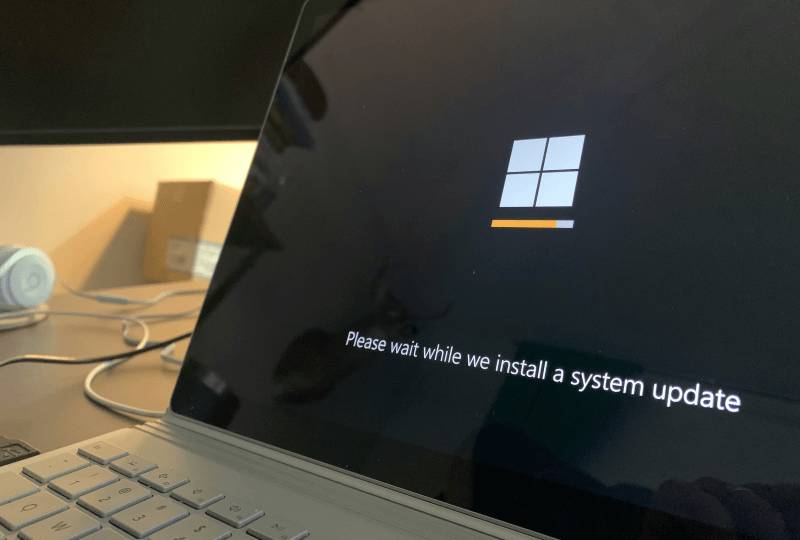
Windows system update screen on a laptop

Zero-touch troubleshooting

If a device fails an upgrade or experiences issues, it's crucial to identify and resolve the problem quickly to prevent productivity loss and security vulnerabilities. Zero-touch troubleshooting, remote control capabilities and custom action bots enable analysts to diagnose and fix issues swiftly, minimizing downtime and keeping your team productive.

Person working on a Windows laptop

Keep non-updated devices secure

Not every device is eligible for upgrading, and even eligible devices might be deferred due to budget or other constraints. Regardless, these devices still need to be secure. Extending support ensures that these devices continue to receive Windows 10 security updates, helping to streamline patching and maintain compliance.

Person interacting with a Windows laptop

Solutions designed to support and empower your teams

Asset discovery

Discover and inventory all your devices in real-time, gaining accurate and actionable insights.

Real-time insights

Query all devices using natural language processing (NLP) and sensor-based architecture to gain immediate real-time intelligence.

AI-driven bots

The Windows 11 Upgrade bot streamlines and automates the migration experience, freeing up valuable time.

Extensive troubleshooting

If issues arise, out-of-band troubleshooting helps analysts quickly diagnose and resolve issues, minimizing downtime.

Automated IT ticket creation

Once an issue occurs, it should be reported immediately. An automated workflow to create IT service desk tickets can address problems at any stage of the update.

Extended security updates

Non-updated machines are a security risk. Devices not being upgraded need extended support to ensure patching continuity and compliance.

Get started

There’s more than one path to Windows 11, and Ivanti is here to help with whichever one you choose.